
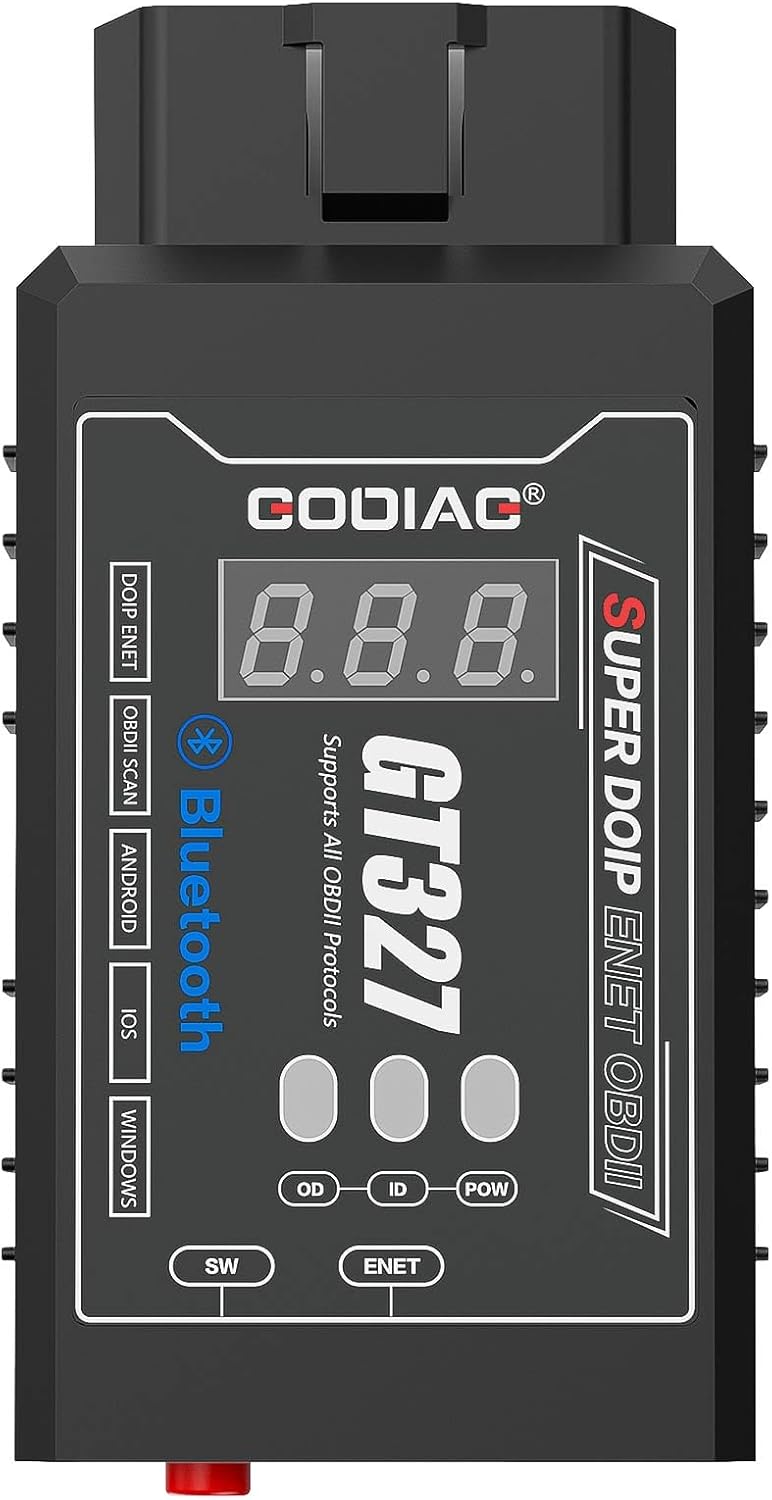
GODIAG GT327 OBD2 Scanner, OBD II Adapter Scanner Connector, DOIP ENET OBD II ELM327v1.5 Full Scanner for iOS/Android/Windows Support Voltage Display
US$11.40
Price when purchased online
Free shipping
Free 30-day returns
Sold and shipped by www.neweratransitco.com
We aim to show you accurate product information. Manufacturers, suppliers and others provide what you see here.
US$11.40
Price when purchased online
Free shipping
Free 30-day returns
Sold and shipped by www.neweratransitco.com
Free 30-day returns Details
Product details
| Management number | 233742428 | Release Date | 2026/06/27 | List Price | US$11.40 | Model Number | 233742428 | ||
|---|---|---|---|---|---|---|---|---|---|
| Category | |||||||||
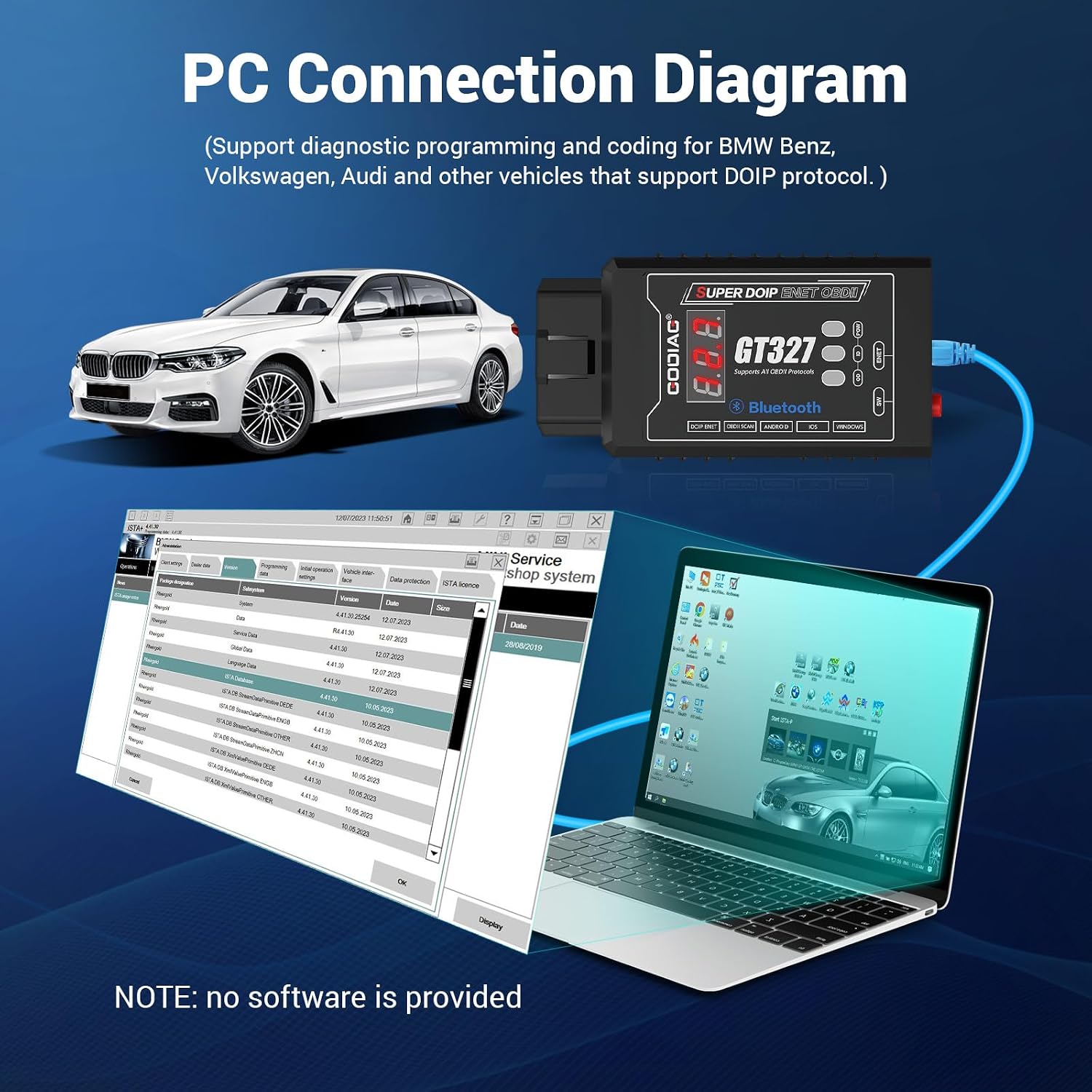
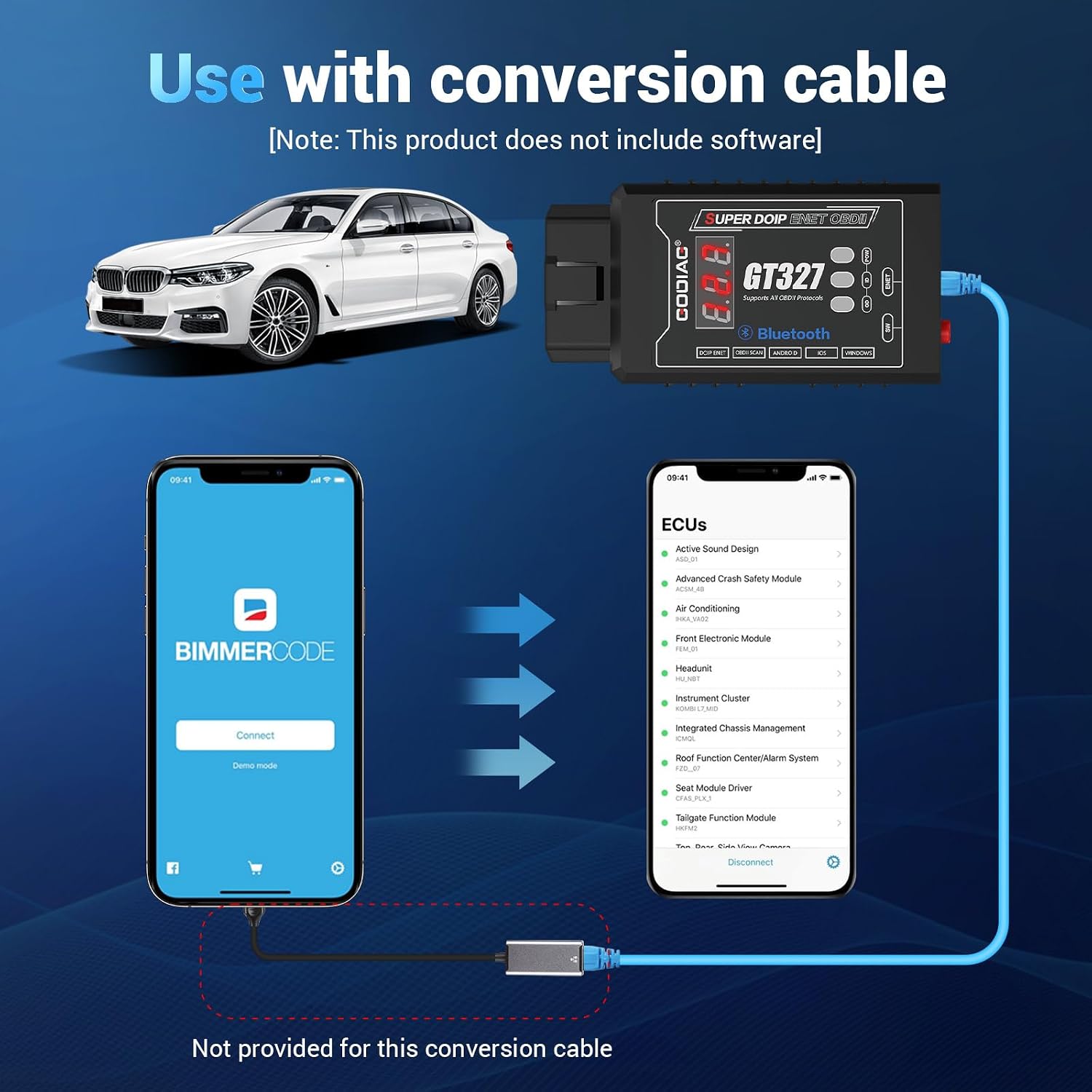
- 【SMART OBD2 Scanner】GODIAG GT327 SUPER DOIP ENET OBDII ELM327v1.5 full scanner is specially developed for car maintenance technicians, DIY maintenance personnel. GT327 full scanner supports Android and iPhones to connect to the device for car OBDII diagnosis. It can also be connected to a computer via an Ethernet cable, and used with DOIP and ENET vehicle-specific diagnostic software to perform diagnostic programming and coding operations
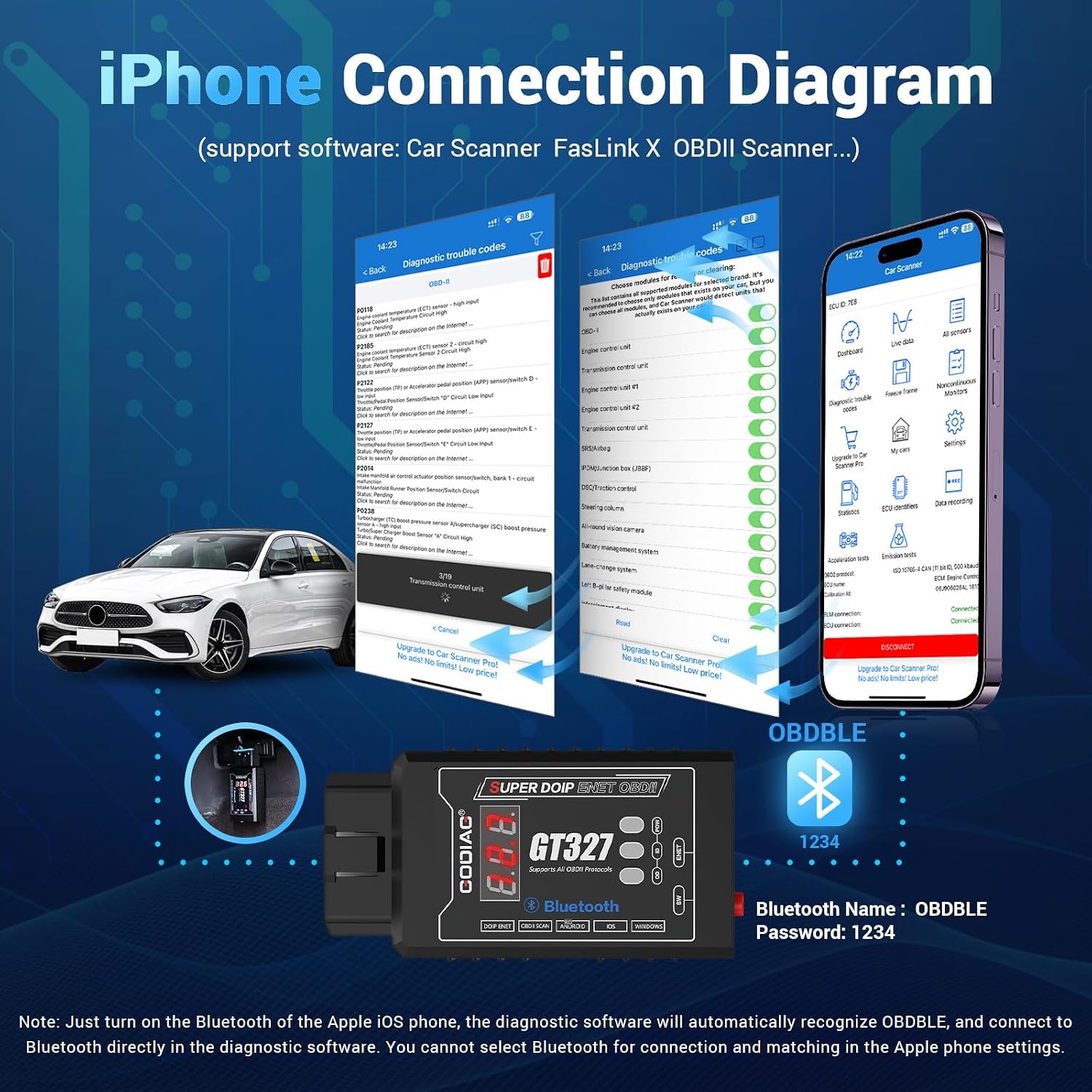
- 【COMPATIBLE APP】GODIAG GT327 OBD2 Adapter Scanner is compatible with Android phones( connect name: OBD II]), iPhone(connect name: OBD BLE), diagnostic programming coding for vehicles with DOIP ENET communication.
- 【Supported Protocols】GODIAG GT327 OBD II Scanner supports Protocols including SAE J1850 PWM (41.6Kbaud), SAE J1850 VPW (10.4Kbaud), ISO9141-2 (5 baud init, 10.4 Kbaud), ISO14230-4 KWP (5 baud init, 10.4 Kbaud), ISO14230-4 KWP (fast init, 10.4 Kbaud), ISO15765-4 CAN (11bit ID, 500 Kbaud), ISO15765-4 CAN (29bit ID, 500 Kbaud), ISO15765-4 CAN (11bit ID, 250 Kbaud), ISO15765-4 CAN (29bit ID, 250 Kbaud), DOIP ENET (supported by Ethernet cable connection)
- 【EASY TO USE】If you use i phone, only 4 steps to use GT327 OBD2 Scanner: Step 1:Download and install diagnostic software on your iPhone (Car Scanner and Fa-slink X are recommended). Step 2: The device is connected to the vehicle diagnostic interface, and the voltage display screen shows the current OBDII diagnostic interface voltage. The power indicator light is on. Step 3: Open the phone settings for connect. Step 4: Open the settings of the software on the iPhone, select the OBDBLE connect name and the password is 1234 or 0000.
- 【PLEASE NOTE】 Please note that WiFi or dedicated device software cannot be used with this device when downloading and purchasing software.


| UPC | 889327081271 |
|---|---|
| ASIN | B0DKXPRLPP |
| Brand Name | GODIAG |
| Screen Size | 0.28 Inches |
| Manufacturer | GODIAG GT327 OBD2 Full Scanner |
| Model Number | GT327 |
| Power Source | Corded Electric |
| Operating System | GT327 OBD2 Scanner |
| Automotive Fit Type | Vehicle Specific Fit |
| Included Components | 1pc x ENET Ethernet cable (3 meters long), 1pc x GODIAG GT327 SUPER DOIP ENET OBDII host, 1pc x PDF manual |
| Manufacturer Part Number | GT327 OBD2 Scanner |
| Manufacturer Warranty Description | 1 Year Manufacturer |




Bestseller ranking
Art Tissue


Customers who viewed this product also viewed
College Entrance




Correction of product information
If you notice any omissions or errors in the product information on this page, please use the correction request form below.
Correction Request Form